可以机械手shetao吗
还是国内会玩,4个月赚300万

国内是一点点羊毛大家往死里薅的 
尝试了一下,XCUITest 居然是可以操纵系统应用的。随便创建一个新应用,UI test 里面加入:
    func testSuica() throws {
        let expectedCard = "Altitude Reserve Visa Infinite";

        let wallet = XCUIApplication(bundleIdentifier: "com.apple.Passbook")
        let applePayUI = XCUIApplication(bundleIdentifier: "com.apple.PassbookUIService")

        wallet.launch()

        // Add a breakpoint here and try:
        // - po wallet.debugDescription
        // - po wallet.otherElements
        // - ... etc.
        print(wallet.debugDescription)

        if !wallet.buttons["Done"].exists {
            wallet.otherElements["Suica"].tap()
        }

        wallet.buttons["Add Money"].tap()
        wallet.keys["¥2"].tap()
        wallet.buttons["Add"].tap()

        let cardLabel = applePayUI.buttons["Wallet.BankConnectAccountCredentialsView.AccountNumber"].label
        XCTAssert(cardLabel.starts(with: expectedCard))

        if applePayUI.staticTexts["Confirm with Side Button"].exists {
            print("Double tap pls")
        }

        // Try: po applePayUI.debugDescription
        print("自由发挥")
    }
可惜无法绕过最后确认的步骤,不过可以在设置里面从双击电源键变成 AssistiveTouch。其余各位研究去吧
2 个赞
醒目(
飞机哥yyds!
1 个赞
当然没有理由用 UAR 上量啦  你们有 Apple Card 的试试咯
话说有其它带最低返现的卡吗
  t =    24.91s Tear Down
Test Case '-[testCardUITests.testCardUITests testLaunchPerformance]' failed (25.179 seconds).
Test Case '-[testCardUITests.testCardUITests testSuica]' started.
   t =     0.00s Start Test at 2024-04-28
   t =     0.05s Set Up
   t =     0.06s Open com.apple.Passbook
   t =     0.06s     Launch com.apple.Passbook
   t =     0.17s         Setting up automation session
   t =     0.37s         Wait for com.apple.Passbook to idle
`
竟然真的行
不过写起来也挺烦的(
1 个赞
是烦,不过现在主要是没法自动绕过 Apple Pay 的确认,能做到的话就能睡衣了(
我试了这个
具体步骤是 设置里搜索“侧边按钮” 或者在辅助功能里自己找——拉到底——“通过辅助触控确认”
但是我在支付界面手工点击两下 虚拟home键 也没用
(刚开始以为是跟之前的设置冲突, 但把点一下 点两下都设置成无也不行)
不过就算找到办法tap这个虚拟home键, 之后应该也还是要进入输入密码替代faceid的界面
这里的话用XCUITest也不好说能不能解决
要点进虚拟 home 菜单里面,默认藏的很深,得自定义把它拉出来才勉强能用
我也觉得最难的是这一步。换成输密码可行吗?多次输入密码会不会触发fraud?
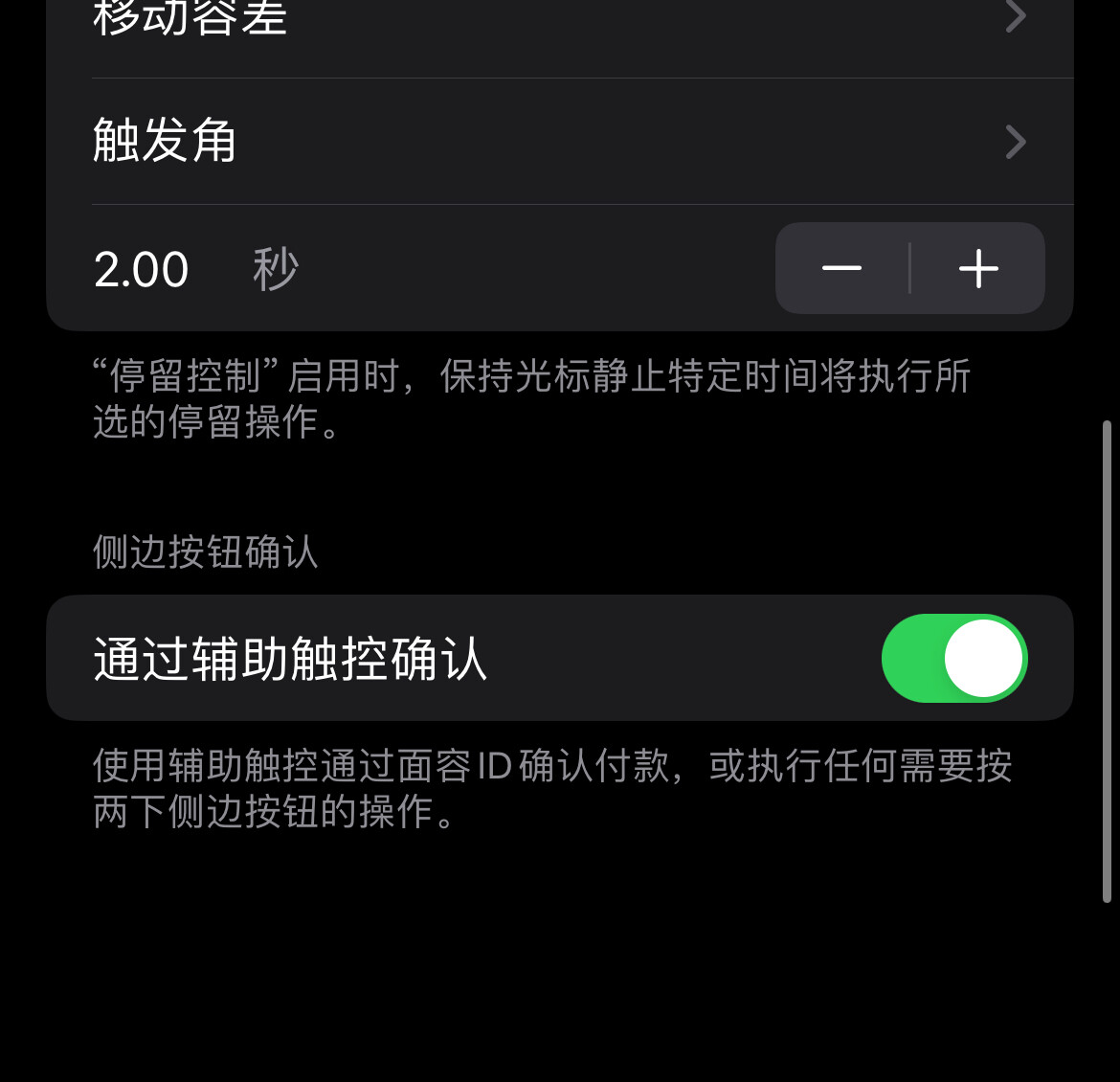

就是这里点虚拟home点不动 点了没反应的
如果这里虚拟home可以点的话
那至少我语音操控的脚本 就能虚拟home 接 密码代替faceid了
这个问题 @LeeKuanYew 在两周前在我胡言乱语之后就开始质疑思考了
飞机哥这几条也都是针对这个问题
是我不了解的技术!
泥潭越来越刑了 
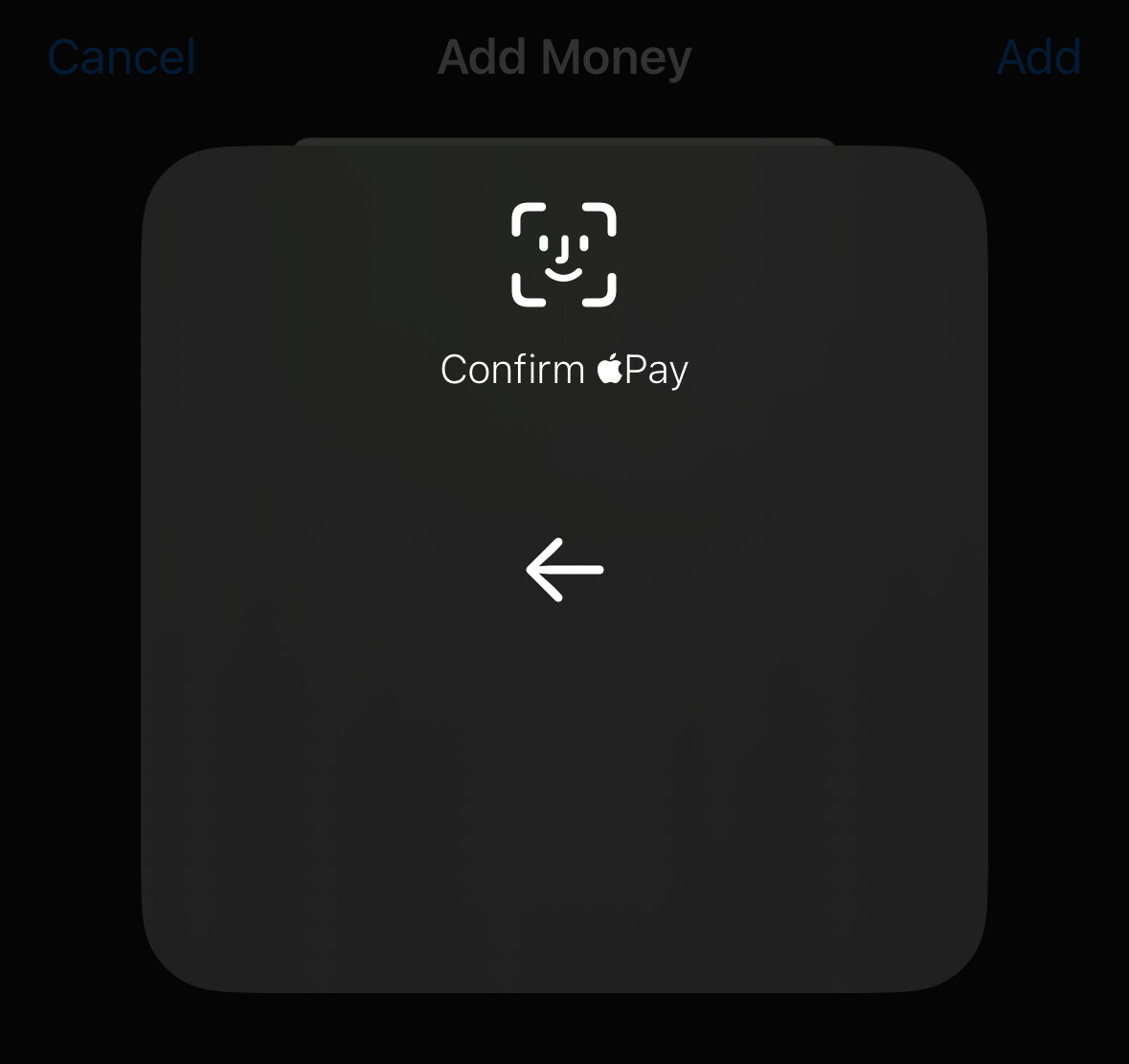
我这可以啊,默认在 Device → More → Apple Pay 底下
(XCTest 正在运行,截图截不出来 Automation Running 的水印)
我想在 SE 上关掉 Apple Pay Touch ID,然而还得等半个小时(新的防盗功能)
Edit: 重启之后倒计时还重置了,麻了 
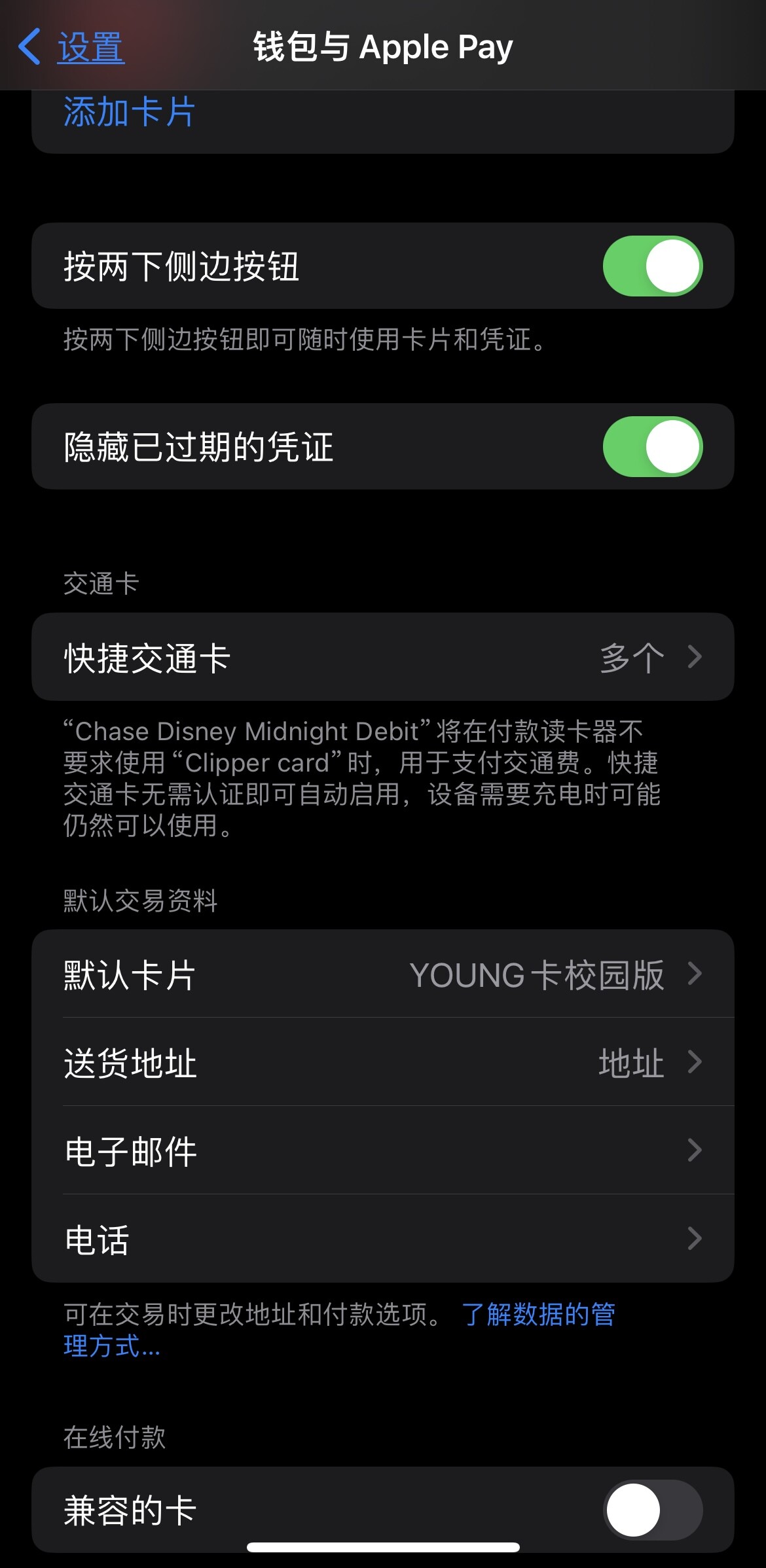
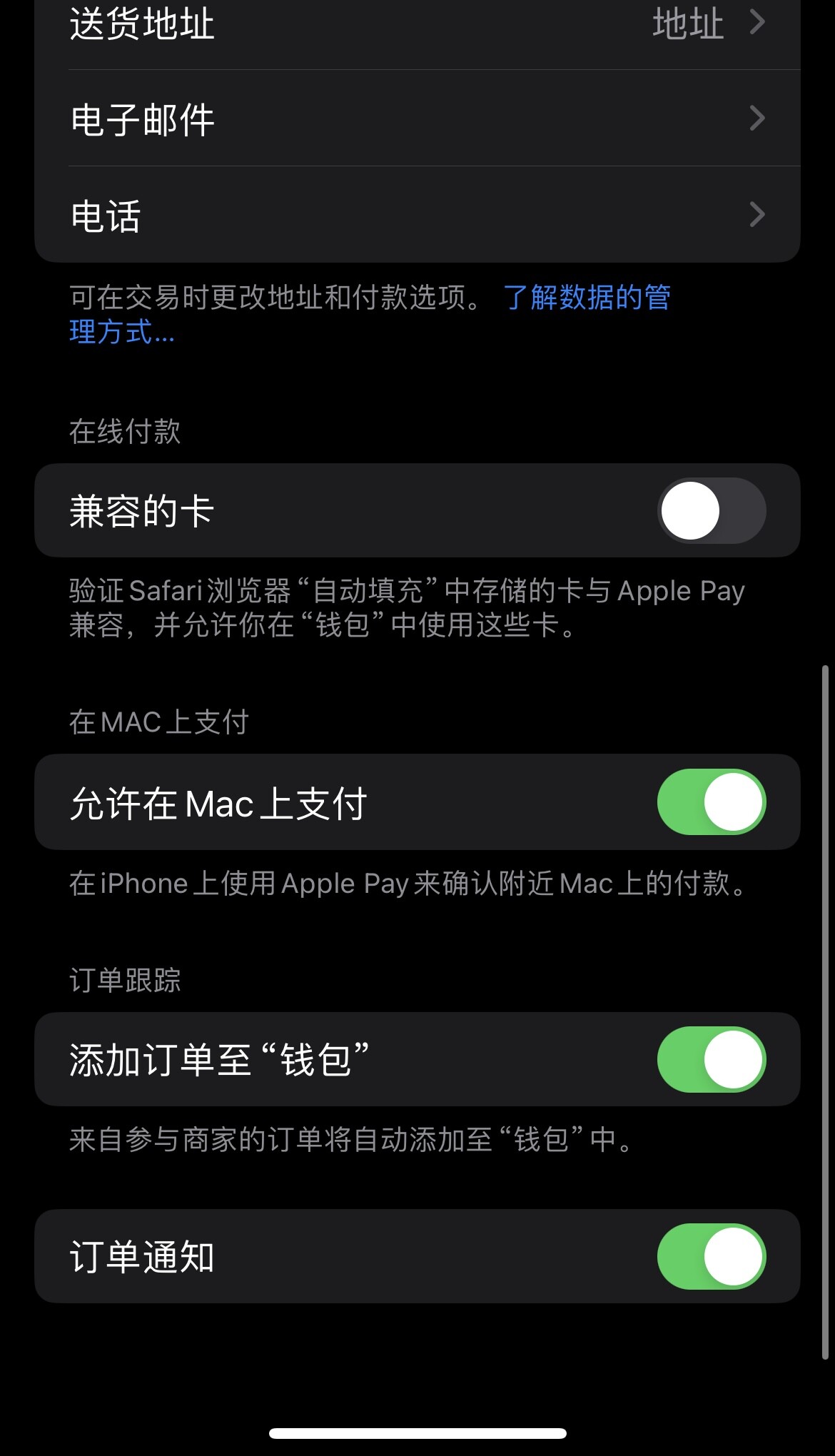
17.5 beta, iPhone 15 Pro
这个是在虚拟 home 键点进去的菜单里,你点一下完全没反应?
1 个赞
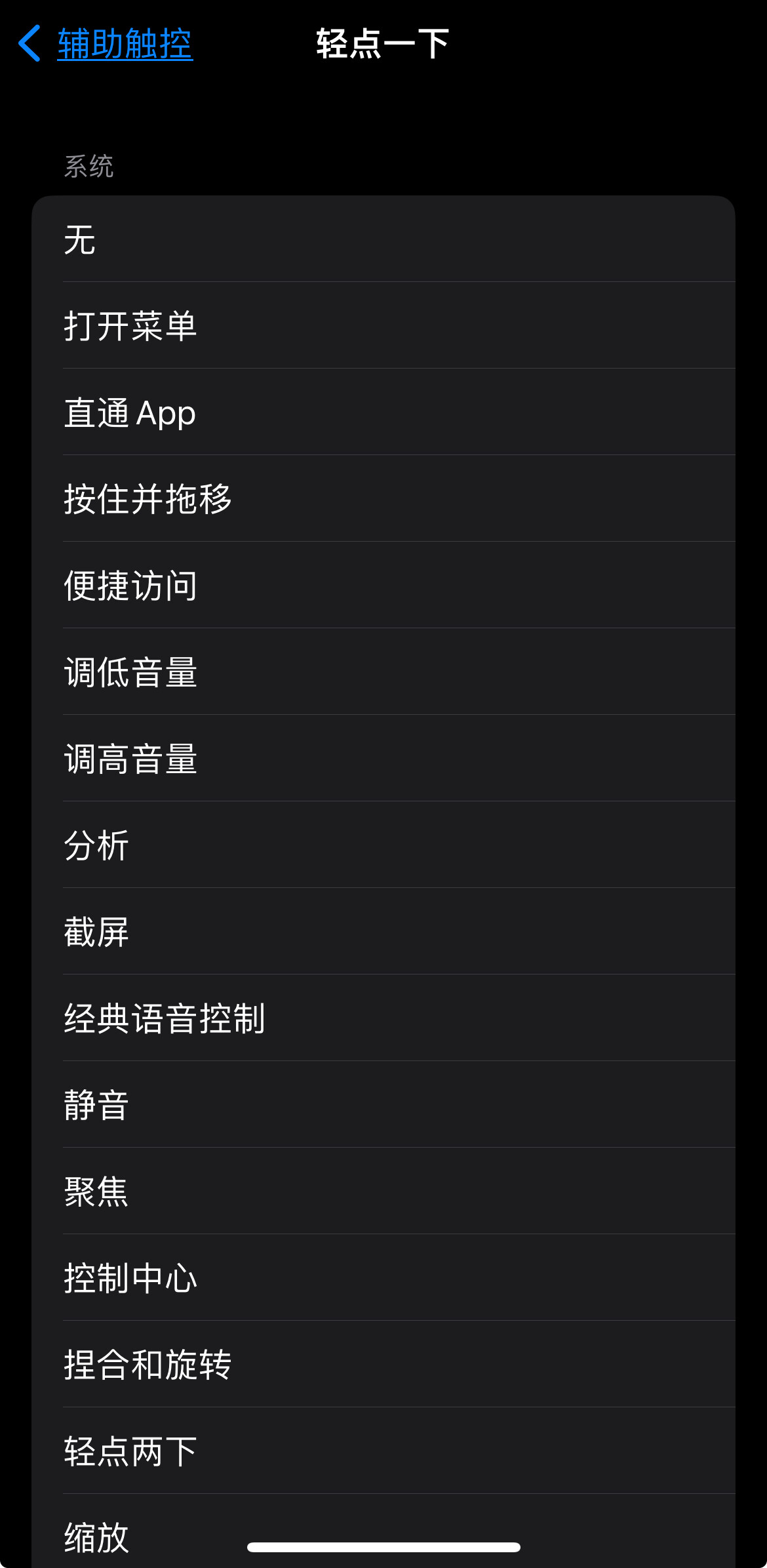
啊,我这是 打开菜单
1 个赞
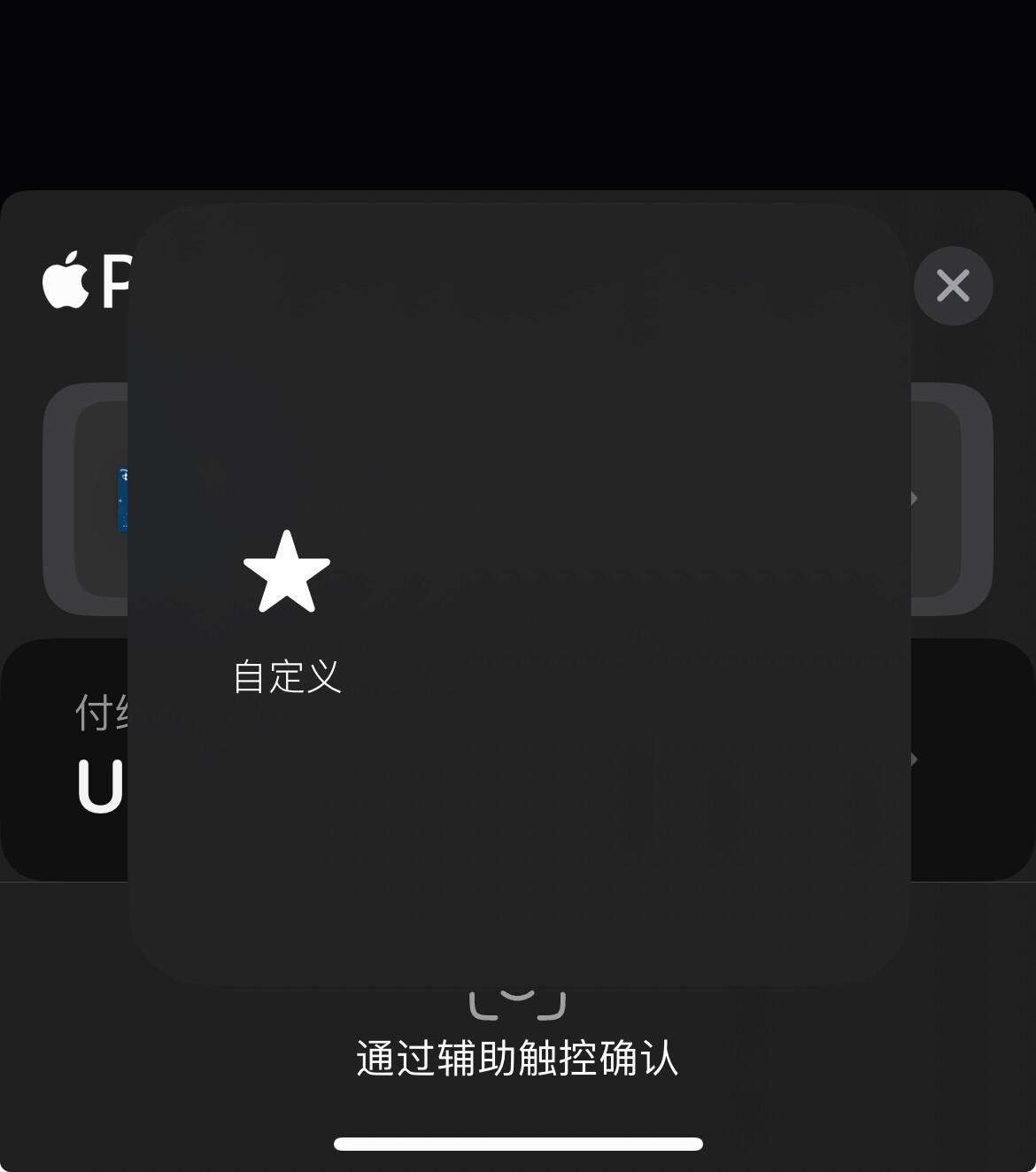
不懂为什么你的默认是空的,手动加一下吧