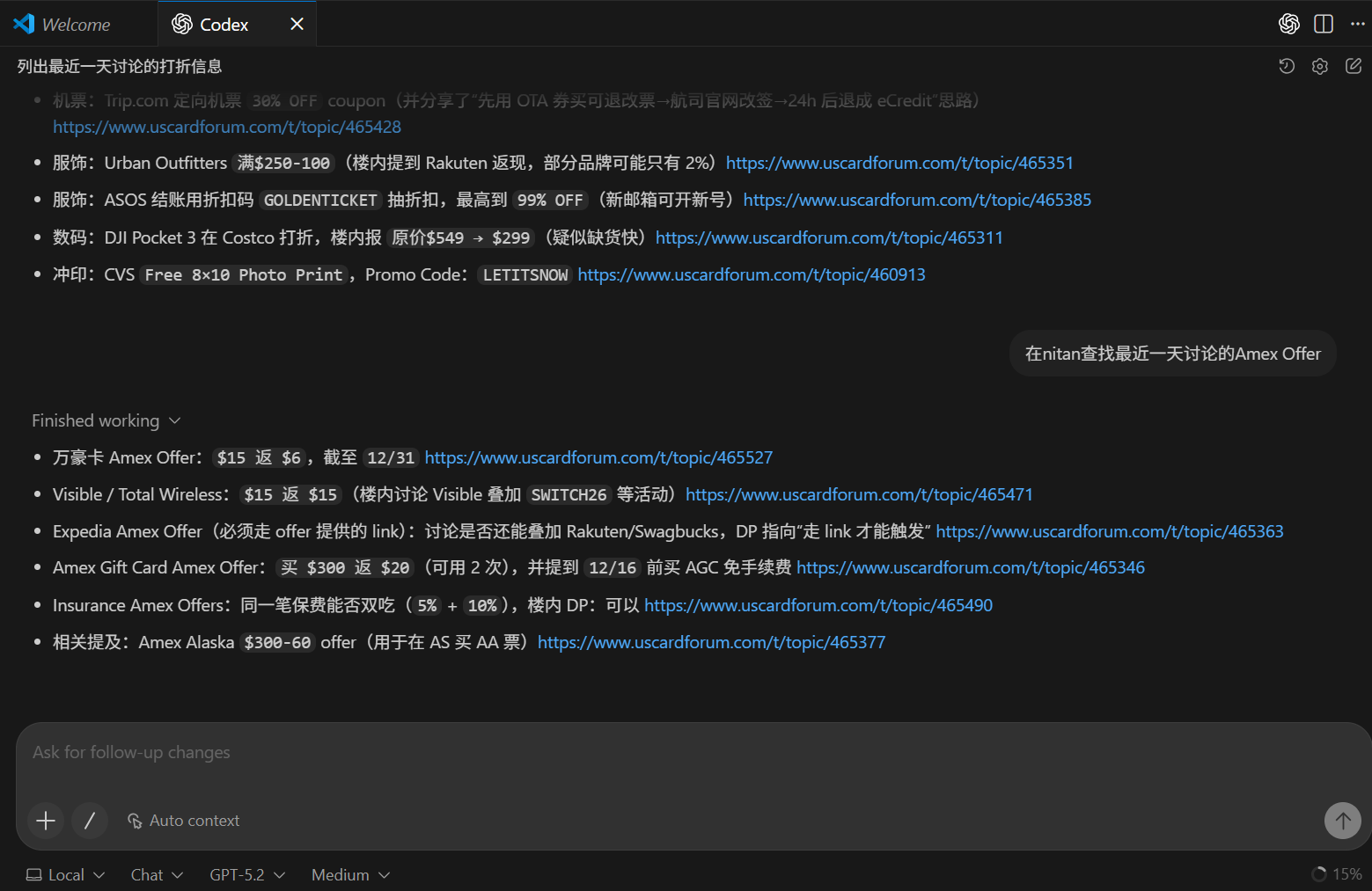
可以的,优点是可以用ChatGPT 5.2,而且不用提示就能给出link,最好的优点是本地部署。缺点是ChatGPT有配额。好像还可以在VSCode里面用Gemini,还没试。
2 个赞
楼上说的应该是 codex 的 vscode 插件,和 github copilot 类似,并非 codex-cli
1 个赞
mcp部署在本地?
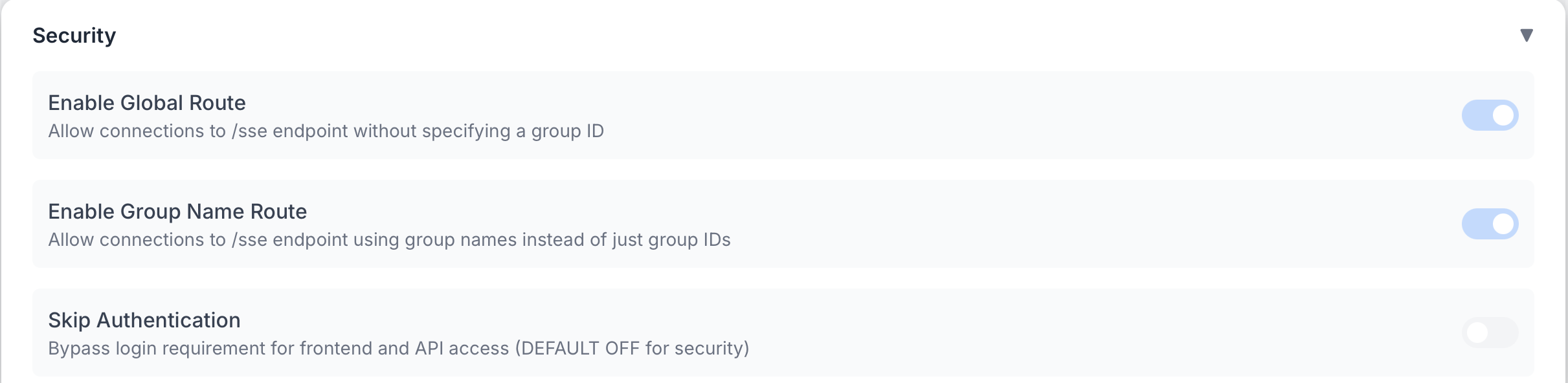
你这个codex是怎么弄成一个tab的?我macOS vs code里面的codex只是在左边的一小部分,可以拉大一点但是没法弄成类似打开一个文件一样
直接在Chat Window里面New Codex Agent。我的是Windows VSCode。
1 个赞
难受 刚开了poke发现云ip挂了
家里部署一个mcphub呗,poke跑在哪无所谓的
几周没用 claude desktop免费版竟然没有mcp功能了 
可以的
我就是用的oci + 楼主推荐的tailscale 搭的免费domain然后mcphub的auth
云IP都不行了啊
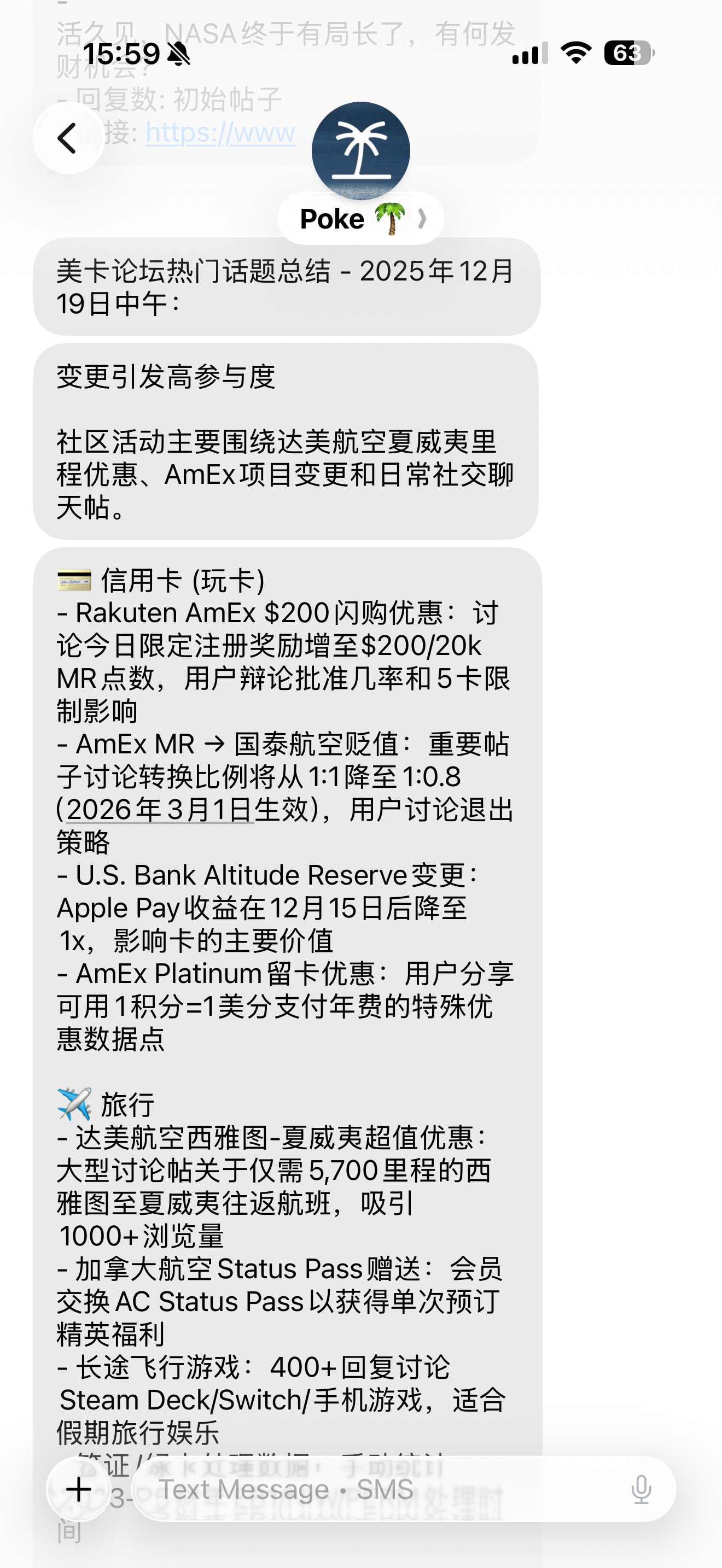
你的mcp部署在哪里?
orcale cloud上部署mcphub然后用的tailscale的daemon和domain expose的
我的在google cloud已经不能登录了 
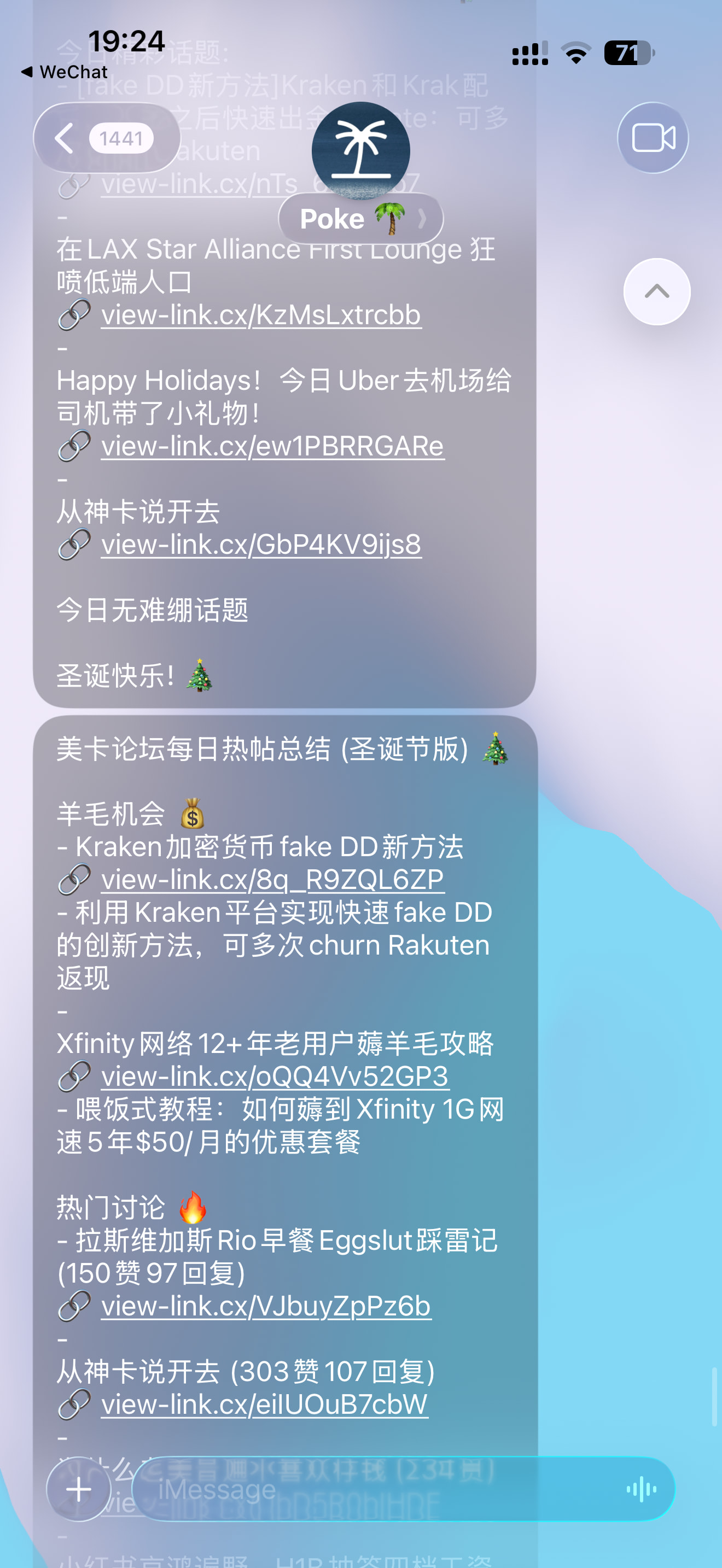

经测试Antigravity也可以,还可以白嫖Gemini 3 pro
from Gemini Herself
How to Add a 3rd-Party MCP Server
If you have a custom or 3rd-party MCP server (like one hosted on GitHub or a local script), you can add it manually:
- Open Antigravity.
- In the Agent Manager or side panel, click the “…” (More Options) icon.
- Select MCP Servers to open the MCP Store.
- Click Manage MCP Servers at the top.
- Click View raw config to open the
mcp_config.jsonfile. - Add your server details using the standard MCP configuration format:
这里直接用上面给Claude Desktop用的那个一模一样的json就可以
不能在nitan-mcp代码里加一个global rate limit吗
1 个赞
我记得我有加请求间隔啥的,然后请求量控制的比较低,理论上一次就能抓几千楼,我控制每次请求在500楼以内
这个请求量一个query 500条不是一次到泥潭的API的调用而是分批反复调用拿的?
实现上是连续抓了5个page,每个page大约100回复,连续抓几十个page不会rate limit,但会大量增加上下文让AI处理不过来,对服务器压力也大。所以我默认一次请求500回复,对于大部分轻量任务来说会比较好
1 个赞
完全跟着教程走的,端口上不去 
目前跟gemini debug下来是这个结论 