母鸡啊,我没什么国内技术论坛可以逛。
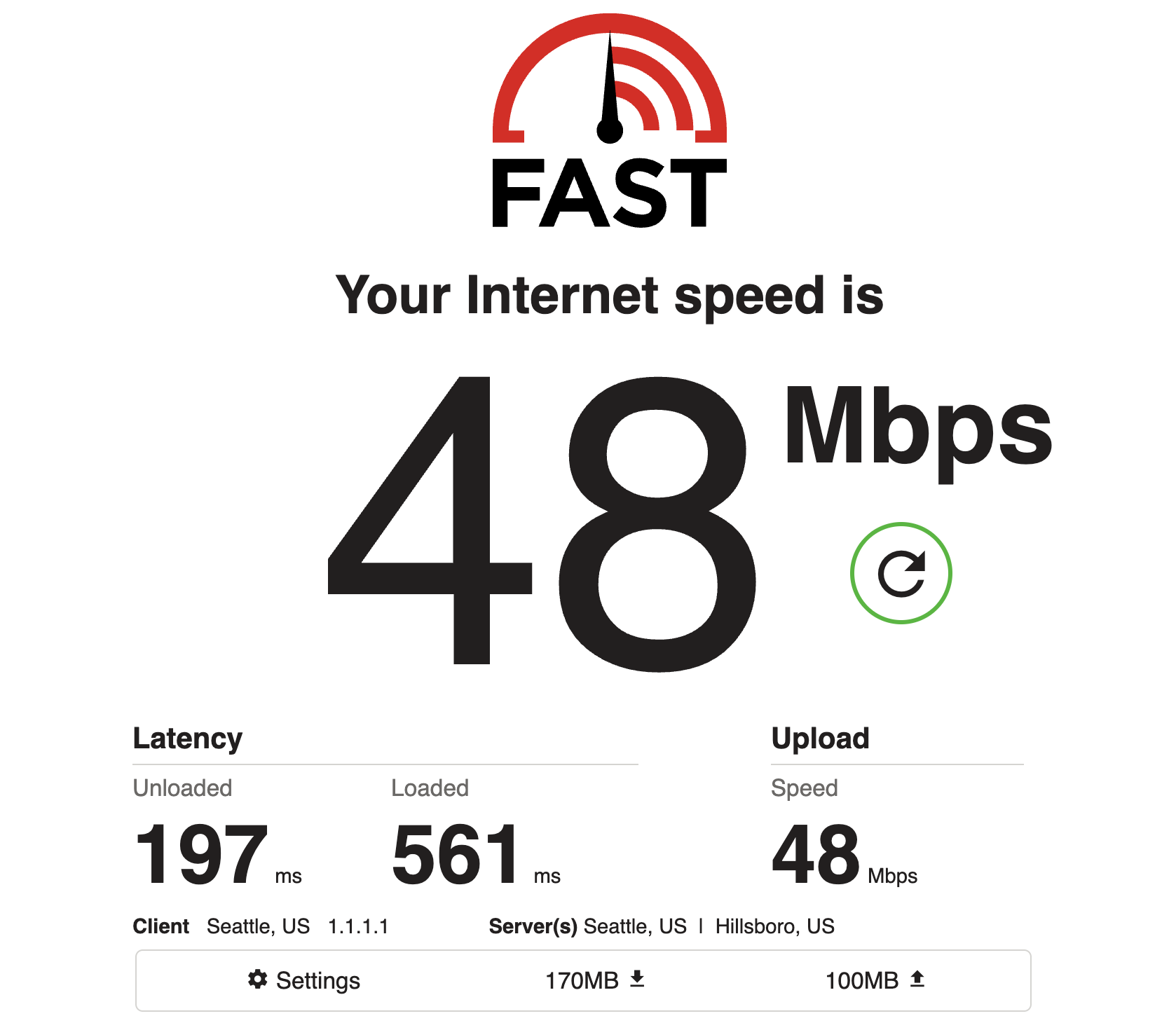
不过现在有AI自建也很方便了。用claude在我买的vps那里自建了一个,很快就拿到了订阅链接。可能我运气好买的vps的ip没被和谐,虽然是美东但速度不错,酒店看爱一番YouTube很丝滑。

我这2刀一个月的vps,感觉以后也不用买机场了

母鸡啊,我没什么国内技术论坛可以逛。
不过现在有AI自建也很方便了。用claude在我买的vps那里自建了一个,很快就拿到了订阅链接。可能我运气好买的vps的ip没被和谐,虽然是美东但速度不错,酒店看爱一番YouTube很丝滑。
据说是因为天津超算中心被黑,10PB数据被人通过机场中转传了出去
最近X上都在说这个
我是买了美国机房针对 CN2 GIA 优化的 VPS,让 Claude 给我搭了一个 singbox 跑 Hysteria2,然后从这个 VPS 再用 wireguard 连回家里的 UDM,这样我在国内也可以一直使用我的家宽 IP,速度和延迟都还不错
妙啊 这样能解决人机验证的问题吗
我之前只用tailscale连家里的路由器/群晖,速度太慢了。不知道是协议不行还是家里线路不行
(等有空了再让ai从家里路由器搭一个
我是TMO/gigsky负责翻墙,再套wireguard冒充美国本土,基本上银行/券商都没问题
不翻墙硬连wireguard速度也是可以的,就是不知道啥时候被封杀
根据我公安的同学说,只是有时候他们懒得管,要管就不会有漏网之鱼
你可以去测一下你的 IP,家宽 IP 只要你不乱干肯定是最干净的,会少很多人机验证
Tailscale就是 wireguard,在国内很多地方基本上不能用,所以需要找一个线路优化过的中转box
wireguard 在中国很多地方基本上不能用,所以必须得中转一下
那怪不得很慢,wireguard我记得特征太明显了,分分钟被封。
但我家静态ip好像更换还得找isp,我又怕搞黑了不舍得用
不翻墙的话,直接用家里的路由器不就行了(一般自带VPN服务的,直接开启就行了)?有点重复造轮子的意思了
只有你自己用为什么会黑?你在国内翻墙用的东西和你在美国用的又没什么区别
意思是被中国拉黑吧
留着以后关键时候用
好吃的要留到最后吃
不是,GFW又看不到你的家宽IP,你所有 traffic 都是先到 VPS 再回你家的
太高级了
有什么关键字吗 这个二次中转
晚上我让ai试试
我让 Claude 搞完以后复盘做的 skill,没有测试过
Sets up a two-hop tunnel on a VM:
[client in China] --Hysteria2/UDP--> [VM] --WireGuard--> [UDM Pro at home] --> internet (home IP)
Sing-box terminates Hysteria2 and its direct outbound is bound to wg0, so all proxied traffic exits through the home WireGuard.
Before running anything, collect:
user@ip (usually root@<ip>). Key is typically via 1Password SSH agent — don’t ask for key path unless the user brings it up.insecure: true. ACME needs a domain pointed at the VM and port 80 open..conf. It looks like:[Interface]
PrivateKey = ...
Address = 192.168.X.2/32
DNS = 192.168.X.1
[Peer]
PublicKey = ...
AllowedIPs = 0.0.0.0/0
Endpoint = <home-wan-ip-or-ddns>:51820
salamander obfs enabled (GFW resistance). Use the same password as auth for simplicity.Remind the user that the UDM WAN firewall should allow UDP/51820 from the VM’s IP.
Always check for and kill a wedged unattended apt-get update first — this has happened before on fresh DMIT VMs and blocks installs for hours:
ssh root@<IP> 'pgrep -ax apt-get; pgrep -ax unattended-upgr'
# if stuck for >5 min on a CLOSE-WAIT connection:
ssh root@<IP> 'pkill -9 apt-get; pkill -9 unattended-upgr; \
  rm -f /var/lib/apt/lists/lock /var/cache/apt/archives/lock \
        /var/lib/dpkg/lock-frontend /var/lib/dpkg/lock'
ssh root@<IP> 'set -e
apt-get update
apt-get install -y curl ca-certificates gnupg openssl
mkdir -p /etc/apt/keyrings
curl -fsSL https://sing-box.app/gpg.key | gpg --dearmor --yes -o /etc/apt/keyrings/sagernet.gpg
chmod a+r /etc/apt/keyrings/sagernet.gpg
echo "deb [arch=amd64 signed-by=/etc/apt/keyrings/sagernet.gpg] https://deb.sagernet.org/ * *" \
  > /etc/apt/sources.list.d/sagernet.list
apt-get update
apt-get install -y sing-box wireguard iptables conntrack'
Self-signed cert with CN=bing.com (matches the masquerade). For ACME, replace the tls block per sing-box docs.
PW=$(openssl rand -base64 24 | tr -d '/+=' | head -c 32)
ssh root@<IP> "set -e
mkdir -p /etc/sing-box/certs
cd /etc/sing-box/certs
openssl ecparam -genkey -name prime256v1 -out key.pem
openssl req -new -x509 -days 3650 -key key.pem -out cert.pem -subj '/CN=bing.com'
chown -R sing-box:sing-box /etc/sing-box/certs
chmod 600 key.pem
cat > /etc/sing-box/config.json <<EOF
{
  \"log\": { \"level\": \"info\", \"timestamp\": true },
  \"inbounds\": [
    {
      \"type\": \"hysteria2\",
      \"tag\": \"hy2-in\",
      \"listen\": \"::\",
      \"listen_port\": 443,
      \"obfs\": {
        \"type\": \"salamander\",
        \"password\": \"$PW\"
      },
      \"users\": [ { \"name\": \"me\", \"password\": \"$PW\" } ],
      \"masquerade\": \"https://bing.com\",
      \"tls\": {
        \"enabled\": true,
        \"alpn\": [\"h3\"],
        \"certificate_path\": \"/etc/sing-box/certs/cert.pem\",
        \"key_path\": \"/etc/sing-box/certs/key.pem\"
      }
    }
  ],
  \"outbounds\": [
    { \"type\": \"direct\", \"tag\": \"direct\", \"bind_interface\": \"wg0\" }
  ]
}
EOF
sing-box check -c /etc/sing-box/config.json"
Save the password — needed for clients. Note the same password is used for both auth and obfs; this is fine for a single-user personal proxy.
Paste the UDM-generated client config with two critical modifications:
Table = 200 so wg-quick installs routes in a custom table instead of replacing the system default. Without this, SSH replies go out wg0 with source=192.168.x.2, home NATs them back to its WAN, and SSH breaks.DNS = ... line (don’t let wg-quick rewrite system resolv.conf).PersistentKeepalive = 25.ssh root@<IP> 'umask 077
cat > /etc/wireguard/wg0.conf <<EOF
[Interface]
PrivateKey = <from-UDM>
Address = 192.168.X.2/32
Table = 200
[Peer]
PublicKey = <from-UDM>
AllowedIPs = 0.0.0.0/0
Endpoint = <home-endpoint>:51820
PersistentKeepalive = 25
EOF
chmod 600 /etc/wireguard/wg0.conf'
ssh root@<IP> 'cat > /etc/sysctl.d/99-wg-rpfilter.conf <<EOF
net.ipv4.conf.all.rp_filter=2
net.ipv4.conf.default.rp_filter=2
EOF
sysctl --system'
ssh root@<IP> 'systemctl enable --now wg-quick@wg0
systemctl enable --now sing-box
sleep 2
wg show
systemctl is-active sing-box wg-quick@wg0'
# WG handshake (should show a recent timestamp and non-zero received bytes)
ssh root@<IP> 'wg show wg0 latest-handshakes'

# Egress IP through the tunnel (should be the HOME WAN IP, not the VM IP)
ssh root@<IP> 'runuser -u sing-box -- curl -s -4 --max-time 10 ifconfig.me'
If curl as sing-box returns empty or times out, the WG handshake didn’t complete — check UDM firewall (WAN LOCAL must allow UDP/51820 from the VM IP) and that the peer’s public key on the UDM matches what the private key in wg0.conf derives.
Give the user all three forms:
Shadowrocket URI (importable via clipboard):
hysteria2://<PW>@<IP>:443/?sni=bing.com&insecure=1&alpn=h3&obfs=salamander&obfs-password=<PW>#<NAME>
sing-box client outbound:
{
  "type": "hysteria2",
  "server": "<IP>",
  "server_port": 443,
  "password": "<PW>",
  "obfs": { "type": "salamander", "password": "<PW>" },
  "tls": { "enabled": true, "server_name": "bing.com", "insecure": true, "alpn": ["h3"] }
}
Mihomo / Clash.Meta YAML:
- name: <NAME>
  type: hysteria2
  server: <IP>
  port: 443
  password: <PW>
  obfs: salamander
  obfs-password: <PW>
  sni: bing.com
  skip-cert-verify: true
  alpn: [h3]
bind_interface: "wg0" on the outbound avoids this entirely.Table = 200 in wg-quick config so wg0 routes only apply when explicitly targeted (e.g. by bind_interface).apt-get update holding the dpkg lock for 20–30+ minutes on a stale CLOSE-WAIT TCP connection. Detect and kill it before trying to install.Endpoint to a hostname.bing.com is a giveaway. For long-term China use, consider ACME with a real domain.斯兰你的内哭
家里有两套deco,结果老的deco 55居然上面vpn server 支持WireGuard. 设置很简单,一路default, 然后添加一个peer, 再一路default. 之后生成一个barcode. 手机上下载wireguard app, 一扫那个barcode, 就妥了,前后就10分钟。 还有一套新一点的deco 75, 只支持open VPN, 不支持wireguard, 估计是firmware 还没有更新来支持wireguard. 在deco 55和 deco75上都设了open vpn, 结果一比较速度,还是wireguard vpn快的多。 open vpn 协议AES + TLS + OpenSSL,很吃CPU, WireGuard就先进多了,代码极少, 所以更快。
回国用就不能用wireguard了,得上3X-UI+Reality家里自建,或者洛杉矶有CN2 GIA线路的 VPS.
嗯对 我现在基本也适用x3-ui了。就是要买个shadowrocket