感觉论坛里程序员哥哥挺多的,之前看这个视频
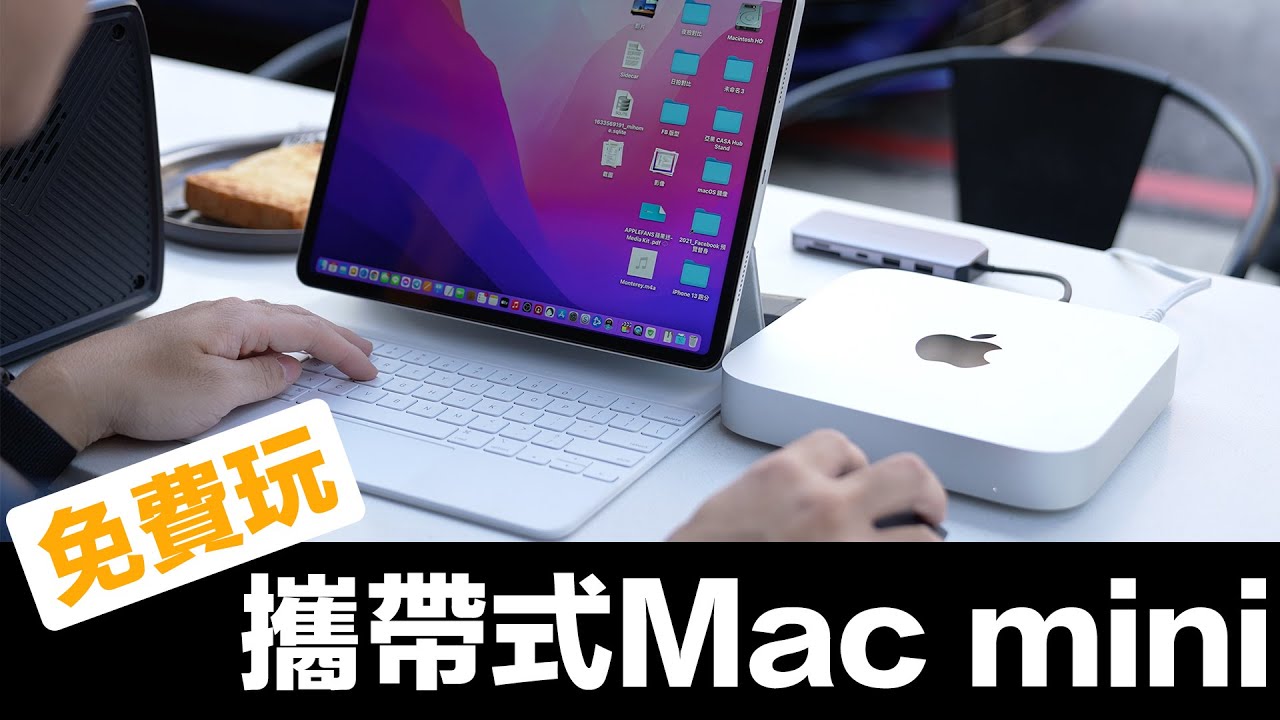
里面讲到可以用iPad作为macmini的显示器,但是升级到13.1后这个script就用不了了,应该是升级后系统设置后什么sdk改了之类的?有大佬帮忙看看怎么解决吗?
贴一下script:
set counter to 0
set x to 0
beep 1
activate application "SystemUIServer"
tell application "System Preferences"
	activate
	set the current pane to pane id "com.apple.preference.Displays"
	delay 3
	tell application "System Events"
		tell application process "System Preferences"
			tell window "Displays"
				click pop up button "Add Display"
				click menu item "youripadname" of menu "Add Display" of pop up button "Add Display" of window "Displays" of application process "System Preferences" of application "System Events"
			end tell
		end tell
	end tell
	quit
end tell
say "Done"
现在升级之后再运行这个就显示什么apple handler出问题之类的