本来觉得太折腾就没理这个,但看到大家都上车之后 FOMO 心理让我实在忍不住,结果最后到付款那步发现网线被拔了 
有句话说得好,看到潭友们都赚了比自己亏钱还难受,自己稍微折腾了下,总算也是上车了
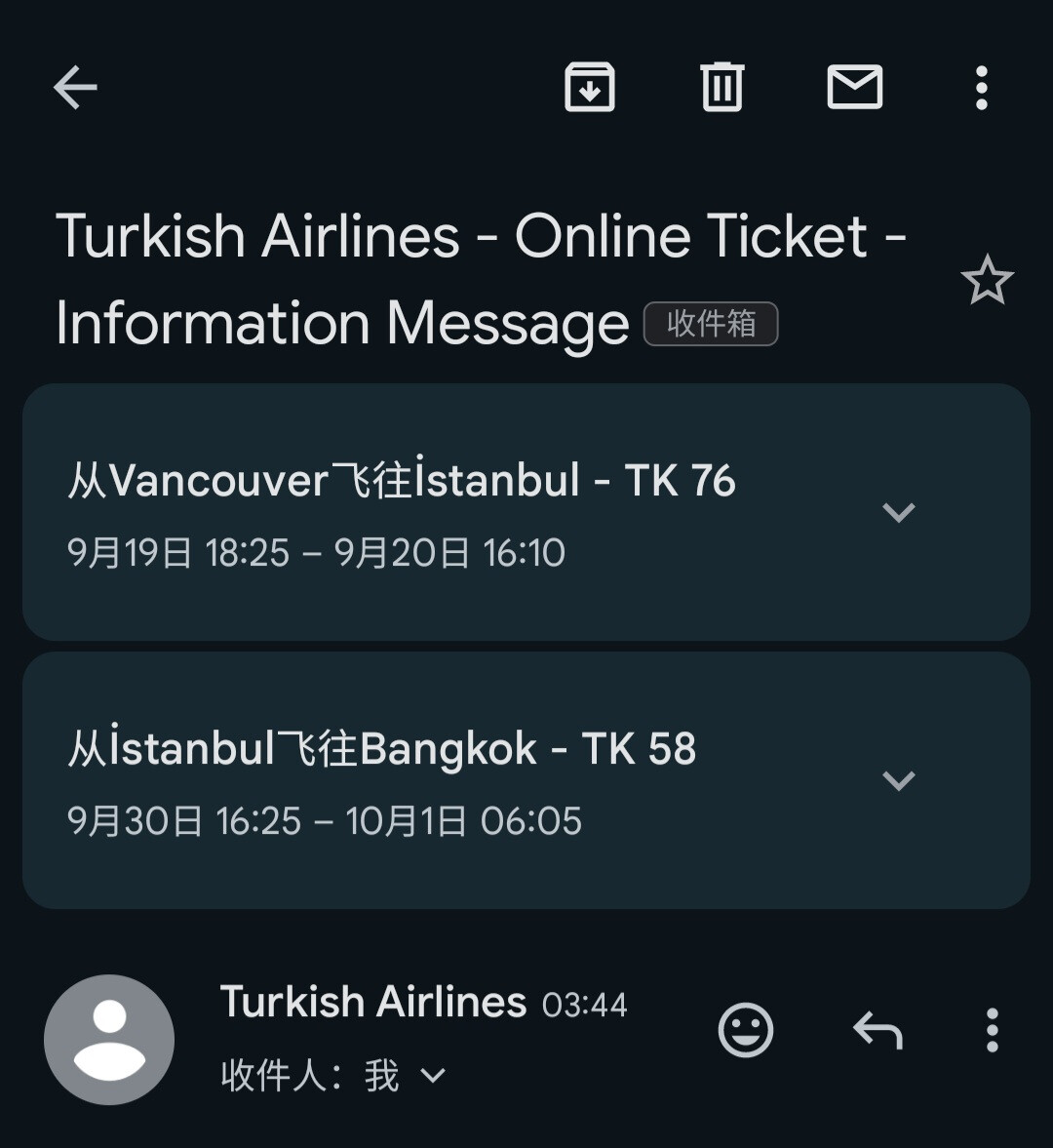
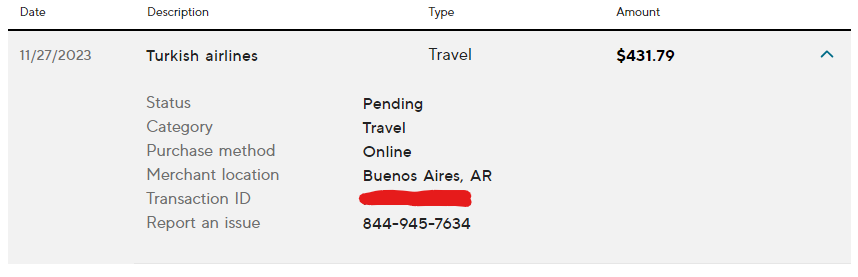
简单说下思路
- 付款页面点开选货币的那个界面
- 进入 developer console → network tab
- 任意选择一个货币然后截取这个 network request,是一个对 https://www.turkishairlines.com/com.thy.web.online.ibs/ibs/payment/updatepreferredcurrency 的 POST 请求
- 右键这个 request → Copy → Copy as fetch
- 修改代码中的货币为 ARS
- console 中执行
fetch("https://www.turkishairlines.com/com.thy.web.online.ibs/ibs/payment/updatepreferredcurrency", {
  "headers": {
    "accept": "*/*",
    "accept-language": "en",
    ...... ......
  },
    ...... ......

  "body": "\"ARS\"",  // 这个很关键!
  "method": "POST",
  "mode": "cors",
  "credentials": "include"
})
.then(response => {
    if (!response.ok) {
        throw new Error('Network response was not ok');
    }
    return response.json();
})
.then(data => {
    window.location.href = 'https://www.turkishairlines.com/en-int/flights/booking/payments/?cId=xxxxx-xxxxx-xxxx-xxxx-xxx';  // 这里替换成你当前的付款页面的 UR
})
.catch(error => {
    console.error('There has been a problem with your fetch operation:', error);
});
跳转后页面显示货币为 ARS
nnd 搞这么晚,先睡了