Select a card from the dropdown where you have the CVV/CSC
Authenticate
Go back to the dropdown and select the new card you don’t have the details for
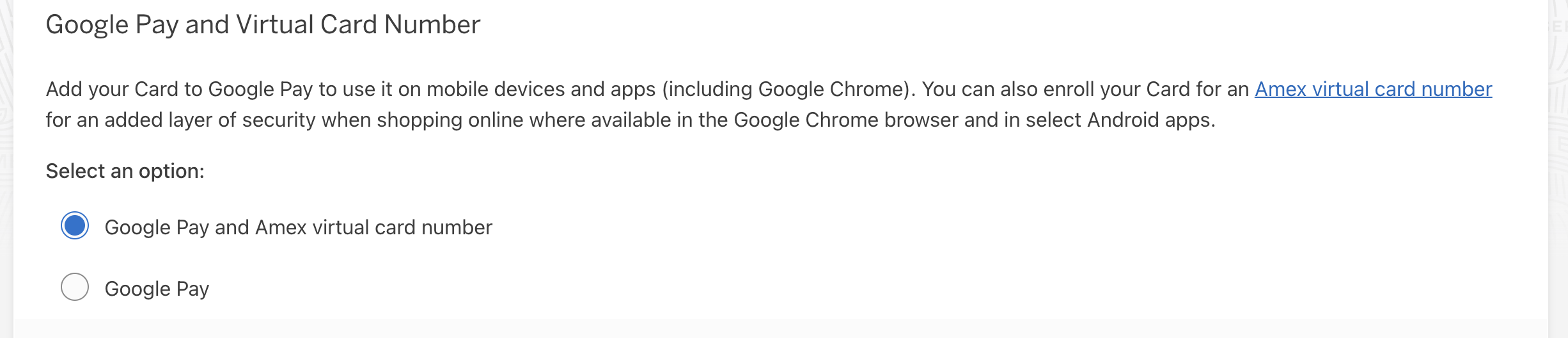
Select Google Pay and Amex Virtual Card to get card loaded into Chrome
In the three vertical dots/settings menu in Google Chrome, go to Passwords and Autofill > Payment Methods and make sure that “Save and fill payment methods” is toggled on (blue).
This gets you the ability to generate VCNs for any online transaction in Chrome, and it gets you the regular card number and expiration date. Still no CVV for loading the primary card into Apple Pay (the VCN doesn’t work either), but it at least allows you to start transacting before the card arrives