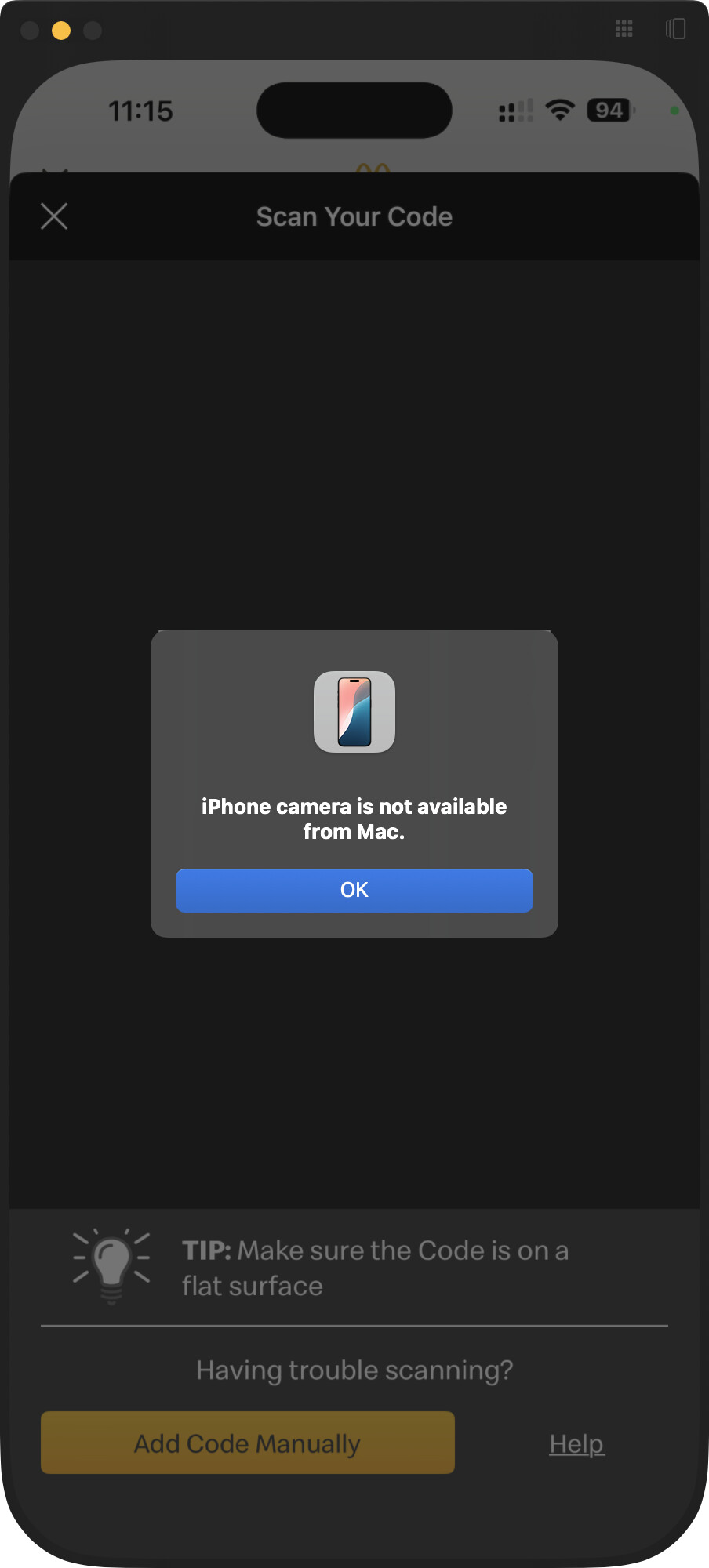
想必大家兑换码已经攒了不少了(不知道的往下看放在最后的引用),用AI写了个自动粘贴的脚本,解放双手!(虽然可能有点晚了,原谅一下拖延症晚期患者…
#!/usr/bin/env python
"""Automates entering McDonald's codes via UI automation."""
from __future__ import annotations

import argparse
import random
import sys
import time
from pathlib import Path
from typing import Dict, Iterable, List, Tuple

import pyautogui
import pyperclip

# Update these coordinates to match the buttons/fields in the "absurd interface" UI.
# Use `python -m pyautogui` in a separate terminal to read the live mouse position.
COORDINATES: Dict[str, Tuple[int, int]] = {
    "open_entry": (0, 0),      # TODO: replace with coordinates
    "add_code_manually": (0, 0),      # TODO: replace with coordinates
}

# Sequence of steps for each code. Edit this list to match the button flow you need.
STEPS: List[Dict[str, object]] = [
    {"action": "click", "target": "open_entry", "pause": 1.},
    {"action": "click", "target": "add_code_manually", "pause": 1.},
    {"action": "paste_code", "pause": 1.},
    # After pasting the code, press Enter to submit the input instead of
    # clicking submit/confirm buttons. Adjust pause as needed.
    {"action": "keypress", "key": "enter", "pause": 0.5},
]


def load_codes(path: Path, repeat: int) -> List[str]:
    """Read codes from file, trimming blanks, and ensure enough entries exist."""
    if not path.exists():
        raise FileNotFoundError(f"Codes file not found: {path}")

    codes = [line.strip() for line in path.read_text().splitlines() if line.strip()]
    if repeat > len(codes):
        raise ValueError(
            f"Requested {repeat} iterations but only {len(codes)} codes found in {path}"
        )
    return codes[:repeat]


def ensure_coordinates_are_set(keys: Iterable[str]) -> None:
    """Guard against running automation with placeholder coordinates."""
    unset = [key for key in keys if COORDINATES.get(key) in {(0, 0), None}]
    if unset:
        raise ValueError(
            "Update COORDINATES before running automation. Unset keys: " + ", ".join(unset)
        )


def adjusted_pause(base: float, jitter: float) -> float:
    """Return a randomized pause length around the base value."""
    if base <= 0 or jitter <= 0:
        return max(0.0, base)

    lower = max(0.0, base * (1.0 - jitter))
    upper = base * (1.0 + jitter)
    return random.uniform(lower, upper)


def click(target: str, pause: float, pixel_jitter: int = 0, dry_run: bool = False) -> None:
    """
    Click the target coordinate, optionally applying a pixel jitter.

    If dry_run is True the function will not move the mouse but will print the
    intended click location.
    """
    base_x, base_y = COORDINATES[target]
    if pixel_jitter and pixel_jitter > 0:
        jitter_x = random.randint(-pixel_jitter, pixel_jitter)
        jitter_y = random.randint(-pixel_jitter, pixel_jitter)
    else:
        jitter_x = jitter_y = 0

    x = base_x + jitter_x
    y = base_y + jitter_y

    if dry_run:
        print(f"[dry-run] click -> {target} @ ({base_x},{base_y}) + jitter({jitter_x},{jitter_y}) -> ({x},{y})")
    else:
        pyautogui.click(x=x, y=y)

    time.sleep(pause)


def paste_code(code: str, pause: float) -> None:
    pyperclip.copy(code)
    pyautogui.hotkey("command", "v")
    time.sleep(pause)


def run_step(
    step: Dict[str, object], code: str, dry_run: bool, pause_jitter: float, click_jitter: int
) -> None:
    action = step["action"]
    base_pause = float(step.get("pause", 0.2))
    pause = adjusted_pause(base_pause, pause_jitter)

    if action == "click":
        target = step["target"]
        if dry_run:
            # Show base coordinate and jitter that will be applied
            print(
                f"[dry-run] click -> {target} @ {COORDINATES[target]} (pause {pause:.2f}s, pixel_jitter={click_jitter})"
            )
        else:
            click(target, pause, pixel_jitter=click_jitter, dry_run=False)
    elif action == "paste_code":
        if dry_run:
            print(f"[dry-run] paste -> {code} (pause {pause:.2f}s)")
        else:
            paste_code(code, pause)
    elif action == "wait":
        duration = float(step["duration"])
        if dry_run:
            print(f"[dry-run] wait -> {duration}s")
        else:
            time.sleep(duration)
    elif action == "keypress":
        key = step["key"]
        if dry_run:
            print(f"[dry-run] keypress -> {key} (pause {pause:.2f}s)")
        else:
            pyautogui.press(key)
            time.sleep(pause)
    else:
        raise ValueError(f"Unsupported action: {action}")


def main() -> int:
    parser = argparse.ArgumentParser(description="Automate McDonald's code entry.")
    parser.add_argument(
        "-f",
        "--codes-file",
        type=Path,
        default=Path("codes.txt"),
        help="Path to text file containing one code per line.",
    )
    parser.add_argument(
        "-n",
        "--repeat",
        type=int,
        default=10,
        help="Number of codes to process.",
    )
    parser.add_argument(
        "--lead-time",
        type=float,
        default=5.0,
        help="Seconds to wait before starting so you can focus the target window.",
    )
    parser.add_argument(
        "--dry-run",
        action="store_true",
        help="Print planned steps without moving the mouse or typing.",
    )
    parser.add_argument(
        "--pause-jitter",
        type=float,
        default=0.15,
        help="Fractional jitter applied to pauses (e.g. 0.15 => ±15%).",
    )
    parser.add_argument(
        "--click-jitter",
        type=int,
        default=10,
        help="Pixel jitter to apply to click coordinates (±N pixels).",
    )
    parser.add_argument(
        "--activate-target",
        type=str,
        default="open_entry",
        help="Coordinate key to click once before starting the loop to activate the window.",
    )
    parser.add_argument(
        "--no-activate",
        action="store_true",
        help="Do not perform the one-time activation click before the loop.",
    )
    parser.add_argument(
        "--post-wait",
        type=float,
        default=1.,
        help="Seconds to wait after processing each code (before next code).",
    )
    args = parser.parse_args()

    pyautogui.FAILSAFE = True  # Moving the mouse to a corner aborts the script.
    pyautogui.PAUSE = 0.05

    codes = load_codes(args.codes_file, args.repeat)
    ensure_coordinates_are_set(
        step["target"]
        for step in STEPS
        if step["action"] == "click"
    )

    # Ensure the activation target is also present (if activation is requested)
    if not args.no_activate:
        if args.activate_target not in COORDINATES:
            raise ValueError(
                f"Activation target '{args.activate_target}' is not present in COORDINATES"
            )

    if not args.dry_run:
        print(f"Starting in {args.lead_time:.1f} seconds. Move the mouse to a corner to abort.")
        time.sleep(args.lead_time)

    # One-time activation click (useful to focus the target window). This
    # happens only once before processing the codes. It respects click jitter.
    if not args.no_activate:
        if args.dry_run:
            print(f"[dry-run] one-time activate -> {args.activate_target} (pixel_jitter={args.click_jitter})")
        else:
            click(
                args.activate_target,
                adjusted_pause(0.2, args.pause_jitter),
                pixel_jitter=args.click_jitter,
            )

    pause_jitter = max(0.0, args.pause_jitter)

    click_jitter = max(0, args.click_jitter)

    for idx, code in enumerate(codes, start=1):
        print(f"Processing code {idx}/{len(codes)}: {code}")
        for step in STEPS:
            run_step(step, code, args.dry_run, pause_jitter, click_jitter)
        # Wait after each code to allow the UI to settle. Apply jitter.
        post_wait = adjusted_pause(max(0.0, args.post_wait), pause_jitter)
        if args.dry_run:
            print(f"[dry-run] post-code wait -> {post_wait:.2f}s")
        else:
            time.sleep(post_wait)

    print("Done.")
    return 0


if __name__ == "__main__":
    try:
        sys.exit(main())
    except Exception as exc:  # Catch-all to surface friendly errors.
        print(f"Error: {exc}", file=sys.stderr)
        sys.exit(1)
本帖仅在Mac测试过。Windows+安卓用到的工具完全相同,需要自行去配置下载。Windows+iOS感觉需要第三方工具不是很容易(可以用个安卓模拟器?)。
准备工作 (Prerequisites)
-
安装 Python:
- 如果没装,可以通过 Homebrew (见下面)安装:
brew install python - 然后安装脚本依赖:
pip install pyperclip pyautogui
- 如果没装,可以通过 Homebrew (见下面)安装:
-
手机连接 Mac:
- 确保手机屏幕能投屏到 Mac 上并可以操作。
- 安卓: 需要 android-platform-tools 和 strcpy。Mac可以通过brew安装,如果是Windows需要去链接的官网下载
# 安装 Homebrew (如果还没有) /bin/bash -c "$(curl -fsSL https://raw.githubusercontent.com/Homebrew/install/HEAD/install.sh)" # 安装工具 brew install android-platform-tools strcpy - iPhone: 直接用系统自带的“屏幕镜像”功能。
-
开启辅助功能权限:
- 打开 系统设置 → 隐私与安全性 → 辅助功能。
- 把你运行脚本的 App (比如 终端 或 VS Code) 添加进去并打勾。
使用步骤
-
保存代码:
- 将脚本代码保存为
main.py。 - 在
main.py同目录下,创建一个codes.txt文件,把你所有的兑换码放进去,每行一个。
- 将脚本代码保存为
-
获取屏幕坐标:
- 在终端里运行
python -m pyautogui,这个工具会实时显示你鼠标的坐标。 - 脚本需要点击两个位置,请依次把鼠标悬停在手机投屏画面的对应按钮上,记下
X, Y坐标:1)“输入兑换码” 按钮 2)“手动输入兑换码” 按钮 - 打开
main.py,修改COORDINATES字典里open_entry和add_code_manually的坐标值。(更好的方法是用OCR但我懒得搞了)
- 在终端里运行
-
运行脚本:
- 搞定以上步骤后,就可以运行了。比如,要自动用掉10个兑换码:
python main.py -n 10 - 脚本开始前有5秒倒计时。要中途停下,把鼠标移到屏幕角落就行。
PS:如果有1password之类的密码填充工具,可能需要暂时关掉自动填充。
- 搞定以上步骤后,就可以运行了。比如,要自动用掉10个兑换码:
可选参数
脚本提供了一些微调选项,可以根据需要使用:
--lead-time: 开始前的等待时间 (默认5秒)。--pause-jitter: 每步操作之间的随机延迟 (默认0.15)。--post-wait: 每个码用完后的等待时间 (默认1秒)。--click-jitter: 点击位置的随机偏移量 (默认10像素),模拟手抖。--dry-run: 可以看到要进行的一系列操作
获取兑换码请参考: